Word & Character Counter: Fast Text Metrics Free Online Tool (2026)
📝 Word & Character Counter
Analyze your text length, word count, sentences, and reading time in real-time completely client-side.
Writing digital copy often means working within strict limits. Blog posts require specific paragraph balances, social media updates demand exact limits, and system strings require precision. Tracking these lengths during assembly saves hours of revision. A reliable Word & Character Counter is the easiest way to ensure your content matches structural guidelines instantly. The operational software module is ready above for immediate asset calculation.
What is a Word & Character Counter?
A Word & Character Counter is a specialized web browser layout built to analyze copy strings in real time. The software processes human language input to extract numerical boundaries like spacing data and segment counts. Content publishers depend on a Word & Character Counter to refine marketing copy, design fields, and script lengths without guessing.
Modern operational settings make these tools essential. Instead of loading heavy text processing suites, copywriters can inspect specific character blocks instantly. Developers utilize a Word & Character Counter when drafting interface content where pixel spacing matters. Marketers benefit from a Word & Character Counter when designing advertisements that require specific visual layouts.
How to Use This Tool
Operating the interface is direct and requires no prior instruction. The design processes details local to your browser session.
- Locate the input block inside the main software card module above.
- Insert your content by typing directly into the workspace or pasting copied elements.
- Observe the metric dashboards above the input field as they alter instantly.
- Review the character numbers, exact split terms, and sentence components.
- Click the green execution control to secure your material back to your clipboard.
- Use the gray reset indicator to wipe the field for a fresh processing session.
Why Text Metrics Matter in 2026
Publishing channels require absolute precision to ensure optimal formatting across different viewports. Major platforms employ strict data limits to keep displays organized. Exceeding specific limits means your copy gets truncated, which ruins your message.
Search engines penalize metadata elements that exceed display guidelines. Snippets that stretch past historical markers get cut short with trailing periods. This lowers your click rates on search pages. Social networks enforce rigid guidelines to maintain stream clarity. Monitoring text density with a Word & Character Counter ensures your content formats perfectly on mobile devices.
Optimizing Copy Length for Growth Channels
Every digital environment requires specific operational parameters to achieve great results. Writing copy without reviewing the structural boundaries can lead to poor visibility. Maintaining proper proportions ensures your information formats correctly.
The standard layout for search snippet summaries is one hundred and forty five items. Exceeding this boundary causes partial displays. Main titles should stay around sixty items to prevent clipping on mobile displays. Articles designed for educational portals reach their target best when maintaining one thousand distinct statements.
Microcopy inside web buttons requires tighter scrutiny. An operational microcopy button should stay under four descriptive terms. Keeping these structures organized prevents visual clutter on responsive pages.
Common Mistakes to Avoid
- Counting Spaces Incorrectly: Some basic platforms skip tracking sentence separations. This causes errors when checking absolute system lengths.
- Overlooking Truncation Points: Writing past the target limit can hide your calls to action. Always check your limits before finalizing text.
- Ignoring Reading Speeds: Long text blocks can tire out mobile users. Keep an eye on estimated reading times to ensure high engagement.
- Trusting External Cache Systems: Using tools that process data on external servers risks exposing your sensitive copy. Always use local processing solutions.
Keep your parameters within specific layout frameworks to maximize content impact. Use our integrated Word & Character Counter setup above to run fast checks on your text projects.
Related Tools on ToolsStackPro:
- Cron Expression Parser: Decode Any Cron Schedule Free Online Tool (2026)
- Unix Timestamp Converter: Turn Timestamps Into Readable Dates Free Online Tool (2026)
- Robots.txt Generator: Build Crawl Rules Fast, Free Online Tool (2026)
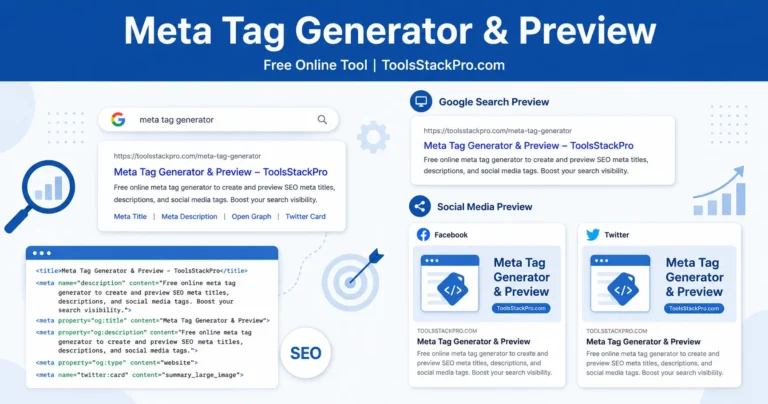
- Meta Tag Generator & Preview: Optimize Your Website Snippets Free Online Tool (2026)
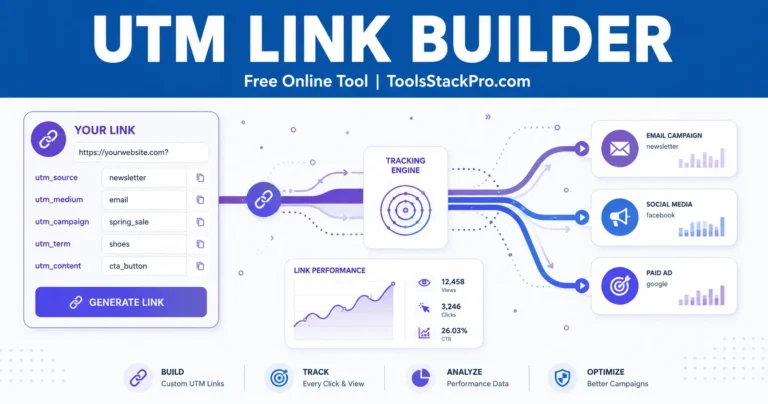
- UTM Link Builder: Generate Trackable Marketing URLs Free Online Tool (2026)