
UTM Link Builder: Generate Trackable Marketing URLs Free Online Tool (2026)
🔗 UTM Link Builder
Generate clean, trackable marketing URLs with custom Google Analytics tracking parameters instantly.
Generated URL
Managing marketing spend without tracking individual link clicks is like driving a car in the dark without headlights. The free UTM Link Builder embedded above allows you to immediately attach custom tracking parameters to any destination URL. This ensures your analytics software identifies exactly where visitors originate.
What is UTM Link Builder?
A UTM Link Builder is a clean digital tool designed to append Urchin Tracking Module parameters to standard links. Marketers use this specific UTM Link Builder to determine the exact campaign, source, medium, and term responsible for web traffic. When a user clicks a link containing these labels, your analytics suite records the tracking metrics instantly.
In daily digital operations, a developer or marketer might share a promotional landing page across five separate channels. Without a reliable UTM Link Builder, your analytics reporting simply groups the visits into a general social bucket or counts them as direct views. Utilizing a professional UTM Link Builder helps separate your paid Facebook advertisements from organic bio link placements. Developers also use this UTM Link Builder to trace conversion pathways from software documentation files back to home sales pages.
How to Use This Tool
Creating customized tracking setups takes less than a minute. Follow these simple procedural steps to get the most out of our UTM Link Builder.
- Paste your destination address into the Website URL input field at the top of the workspace.
- Enter your explicit campaign platform identifier in the Campaign Source field, using lowercase terms like google or newsletter.
- Define the marketing framework inside the Campaign Medium field by adding terms such as cpc, banner, or email.
- Input your specific promotion name inside the Campaign Name box to separate specific seasonal initiatives.
- Provide optional search terms or content variations inside the lower parameter slots to isolate specific variant text block links.
- Click the large blue Generate Trackable URL button to merge the parameters into a unified, encoded URL string.
- Click the green Copy Target URL action block to save the complete text sequence straight to your system clipboard.
Why UTM Tracking Matters in 2026
The shift toward total data privacy has limited the utility of third party browser cookies and standard referral fields. Modern privacy parameters strip away basic background data as users transition across web applications. Clear first party destination tags remain the most reliable method to verify where your marketing traction originates.
Data clean rooms and modern analytics architectures rely completely on structured query inputs. If you drop a raw link into an email blast without a medium label, you lose the ability to calculate your actual return on ad spend. Clean tags keep data pipelines ordered from the moment of initial interaction down to final database writes.
Deep Dive into URL Parameters
Understanding the individual parameters inside our tool helps you construct better analytical frameworks. Every single tag serves a dedicated structural purpose within data schemas.
The source element identifies the brand name of the traffic supplier, which tells you the precise tool or network. The medium element establishes the tactical layer of transmission, clarifying if the link was a paid display or a basic newsletter click. The name element acts as the general umbrella folder, letting you cluster all asset performances for a specific seasonal push under one dashboard segment.
Optional tags add a high degree of granularity to heavy scaling operations. The term element usually maps keyword data for search marketing networks. The content element handles visual layout variations, letting you test whether a red header button wins more conversions than a blue sidebar banner link.
Common Mistakes to Avoid
- Mixing uppercase and lowercase strings across matching campaigns, because software frameworks read email and Email as distinct entities.
- Including internal site navigation links inside the generator, which overrides original session metadata and corrupts internal conversion funnels.
- Leaving raw spaces or unencoded characters inside custom fields, which occasionally causes older servers to break your destination parameters entirely.
- Writing overly long parameters that stretch URLs past storage boundaries and look incredibly messy on social interfaces.
Using structured configurations preserves clean data records over long operational horizons. Rely on our tool to standardize your parameters before launching any promotion.
Related Tools on ToolsStackPro:
- Keyword Density Checker — Analyze & Optimize Content Fast (Free Tool 2026)
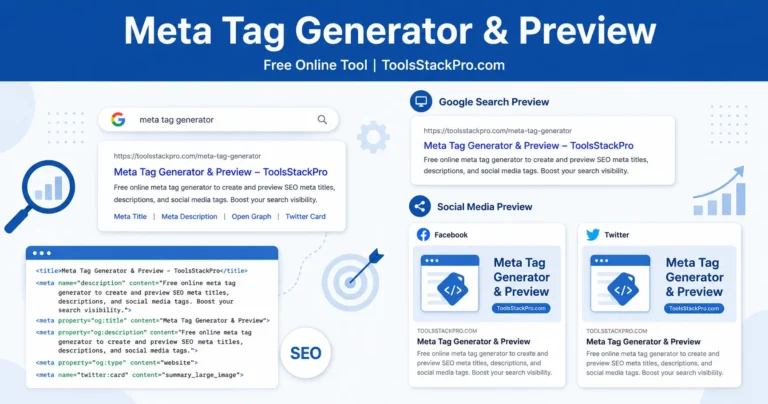
- Meta Tag Generator & Preview: Optimize Your Website Snippets Free Online Tool (2026)
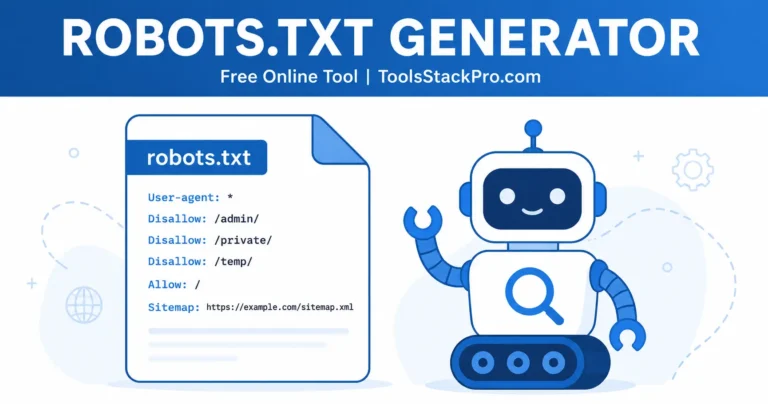
- Robots.txt Generator: Build Crawl Rules Fast, Free Online Tool (2026)
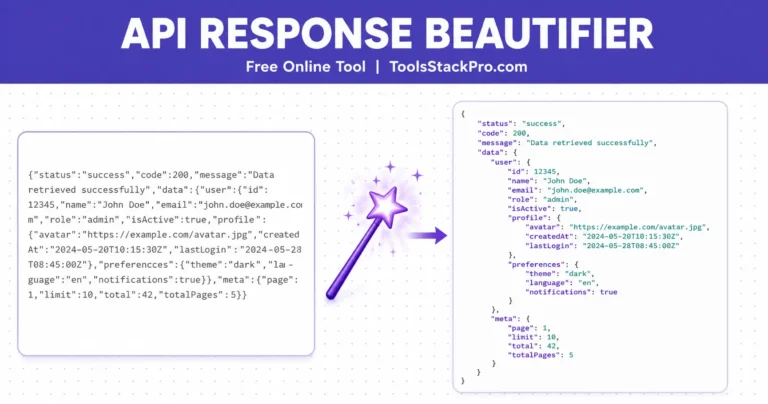
- API Response Beautifier: Format, Validate, and Minify JSON and XML, Free Online Tool (2026)


Very rapidly this web page will be famous among all blogging and site-building users, due to it’s good articles or reviews
Thanks for the kind words! Glad you found the content useful. We will continue adding more free tools to the platform, so stay tuned!
I know this if off topic but I’m looking into starting my own weblog and
was wondering what all is required to get setup?
I’m assuming having a blog like yours would cost a pretty penny?
I’m not very internet smart so I’m not 100% positive.
Any recommendations or advice would be greatly appreciated.
Thanks
Starting a blog is actually quite affordable these days. You just need a basic hosting plan, a domain name, and WordPress, which is free to use. It does not have to cost a pretty penny to get started. Best of luck with your setup!
The breakdown of UTM parameters here really highlights how much clarity you can gain in multi-channel attribution when everything is tagged consistently. In practice, keeping a strict naming convention for utm_campaign and using utm_content for creative variations makes the data far easier to analyze later. Without that structure, it’s easy for reporting to become just as confusing as having no tracking at all.
Spot on! Inconsistent naming conventions are exactly what ruin clean analytics reports. Using utm_content for creative variations is a game changer when trying to find out which specific asset drives the conversion. Thanks for sharing your practical experience!