How to Create a Free Landing Page for Affiliate Marketing (No Domain Needed)
Building an online business often feels like a series of paywalls. You want to start your journey, but then you realize you need a domain ($15), hosting ($100/year), and a page builder ($29/month). Before you’ve even made your first dollar, you’re $150 in the hole.
I have some good news for you. In 2026, the barrier to entry has practically vanished. How to create a free landing page for affiliate marketing is no longer a technical mystery. You can build a professional, high-converting landing page without spending a single cent or owning a domain name.
In this guide, I’ll show you exactly how to create a free landing page for affiliate marketing and launch your affiliate funnel today using a “sub-domain” strategy that looks professional and converts like crazy.
“Disclosure: This post contains affiliate links. If you click through and make a purchase, I may receive a commission at no additional cost to you. I only recommend tools I trust.”
Why You Don’t Need a Custom Domain (Yet)
Many gurus tell you that you must have a .com to be taken seriously. While a custom domain is great for long-term branding, it is not a requirement for success. Modern platforms like Systeme.io provide you with a free subdomain (e.g., yourname.systeme.io) that is SSL secured (the little padlock icon) and fully functional.
For a beginner, speed is more important than a perfect URL. You can always “map” a custom domain later once the commissions start rolling in. If your goal is to learn how to create a free landing page for affiliate marketing, starting with a subdomain is the smartest way to minimize risk.
Step 1: Choosing the Right “Forever Free” Platform
To build a page for $0, you need a tool that offers a generous free tier. While there are many options, Systeme.io remains the undisputed king in 2026 for affiliate marketers.
Unlike Carrd or Wix (which often put ugly ads on your site), Systeme.io gives you:
- Up to 2,000 email contacts.
- Unlimited landing pages.
- One full sales funnel.
- No forced third-party ads.
If you are selling digital products, you might also want to check my guide on Gumroad vs Payhip for more free options
Click here to create your free account on Systeme.io
Step 2: How to Create a Free Landing Page for Affiliate Marketing (Setup)
Head over to the platform and sign up with just your email. You won’t be asked for a credit card. Once you’re in the dashboard, navigate to the Funnels tab and click “Create.”
Choose the “Build an Audience” option. This is crucial because, as an affiliate, your primary goal isn’t just to send traffic to someone else’s product; it’s to collect email addresses so you can promote to them again and again. This is a vital step in mastering how to create a free landing page for affiliate marketing that actually makes money.

Step 3: Designing for Conversions (Keep it Simple)
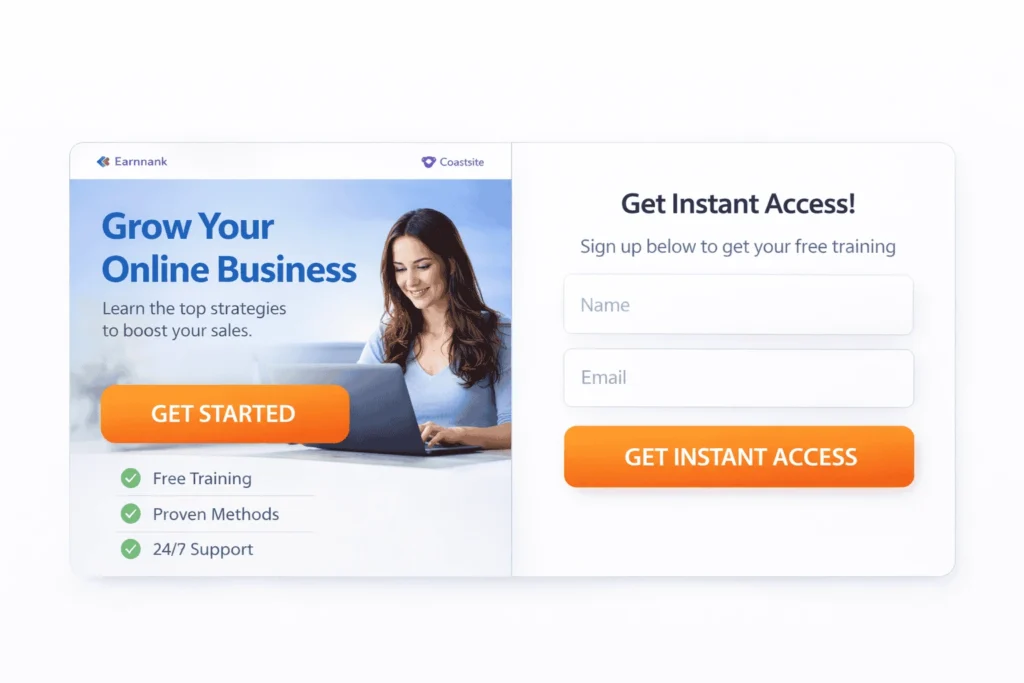
One of the biggest mistakes beginners make is over-designing. They add too many images, long paragraphs, and distracting buttons. In 2026, Minimalism = Conversions.
Your free landing page needs three main elements:
- The Hook (Headline): A bold statement that solves a problem. (e.g., “The 10-Minute Routine to Master Python without a Degree”).
- The Value (Sub-headline): Tell them what they get if they click or sign up.
- The Call to Action (CTA): A bright button that stands out.
Pro Tip: Use high-quality, free stock photos from sites like Pexels or Unsplash, but make sure they match the “vibe” of the product you are promoting.
Step 4: Connecting Your Affiliate Link to Your Page
Once your page looks good, it’s time to bridge the gap. When learning how to create a free landing page for affiliate marketing, you have two choices for your links:
- Direct Link: When they click the button, they go straight to the affiliate offer.
- The Bridge Page: They give you their email first, then they are redirected to the offer.
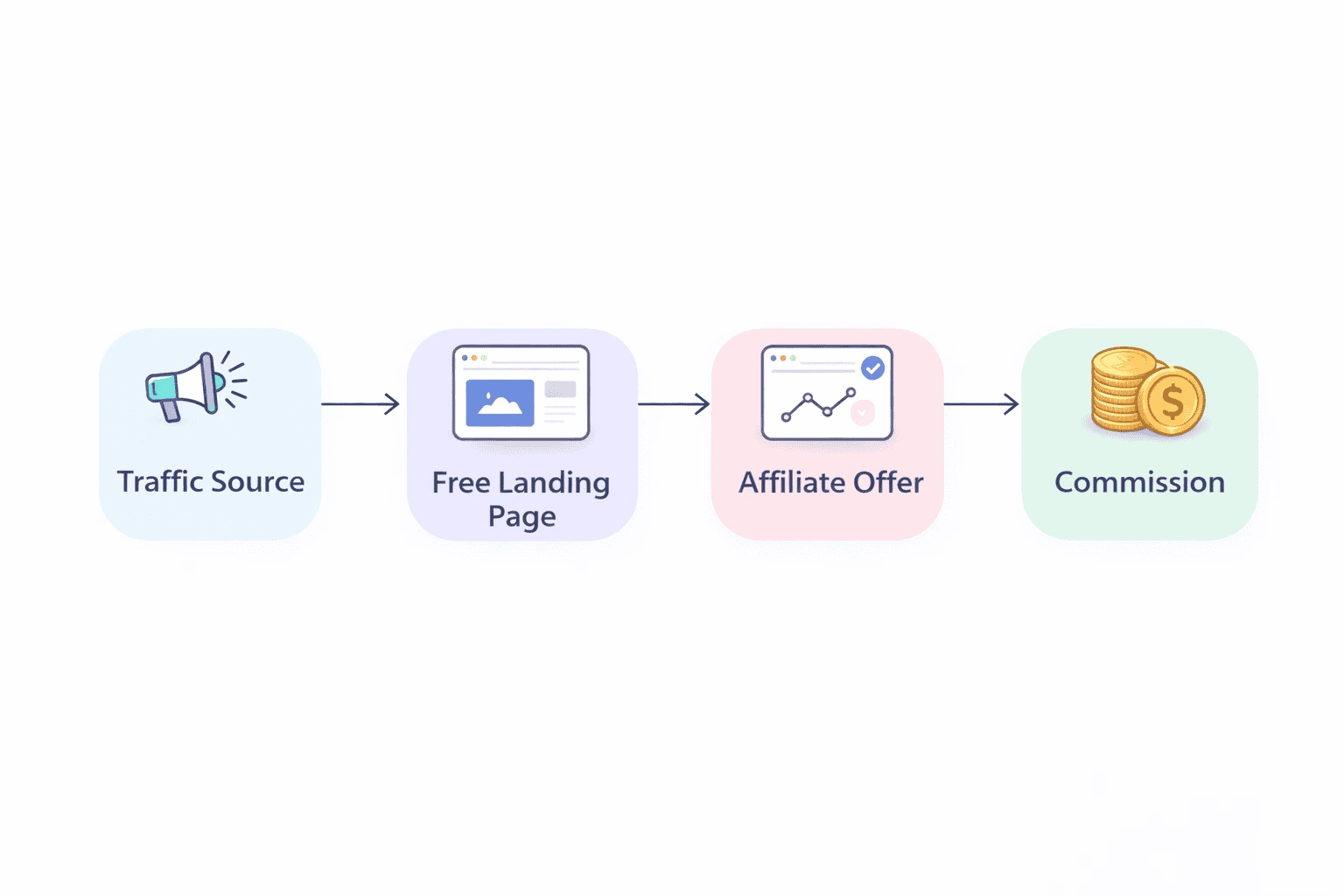
I highly recommend the Bridge Page method. This allows you to build an email list. If the user doesn’t buy the product today, you can send them a follow-up email tomorrow for free. This is the secret to 10x your revenue when you understand how to create a free landing page for affiliate marketing.
Step 5: Optimization for Mobile Users
Over 80% of your affiliate traffic will likely come from mobile devices (TikTok, Instagram, or Pinterest). While building your page, always toggle the “Mobile View” icon.
Ensure your text isn’t too large and your button is easily clickable with a thumb. If your page takes more than 3 seconds to load on a 4G connection, you’ll lose half your audience. This technical detail is a huge part of how to create a free landing page for affiliate marketing successfully.

How to Get Traffic to Your New Page
Now that your page is live and cost you $0, how do you get people to see it?
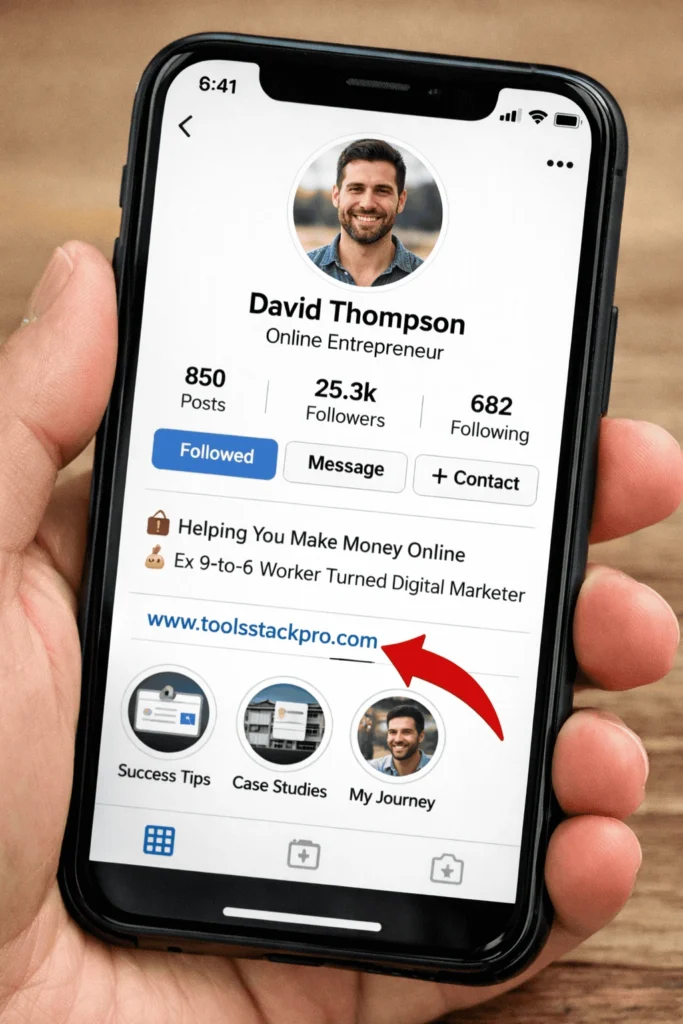
- Pinterest: Create “Idea Pins” related to your niche and link to your free landing page in your bio.
- TikTok/Reels: Post 15-second tips and tell people to “Check the link in my bio for the full tool.”
- YouTube Shorts: Review the product and put your landing page link in the pinned comment.
Final Thoughts
Affiliate marketing is about testing and persistence, not about having the most expensive software. By using a free platform like Systeme.io and focusing on a clean, simple design, you remove the financial risk.
Start today. Build your page. Drive traffic. Once you hit your first $500 in commissions, that’s when you should think about buying a custom domain and professional branding. For now? Knowing how to create a free landing page for affiliate marketing for free is your best friend.
Frequently Asked Questions (FAQs)
1. Is a free landing page bad for SEO?
Sub-domains are harder to rank on the first page of Google for competitive keywords. However, for affiliate marketing, most traffic comes from social media or ads, where the URL doesn’t impact your reach.
2. Can I use my own domain later?
Yes! Most free builders allow you to “connect” a custom domain later. All your links will automatically update, so you won’t lose any progress or SEO juice.
3. Do I need to know how to code?
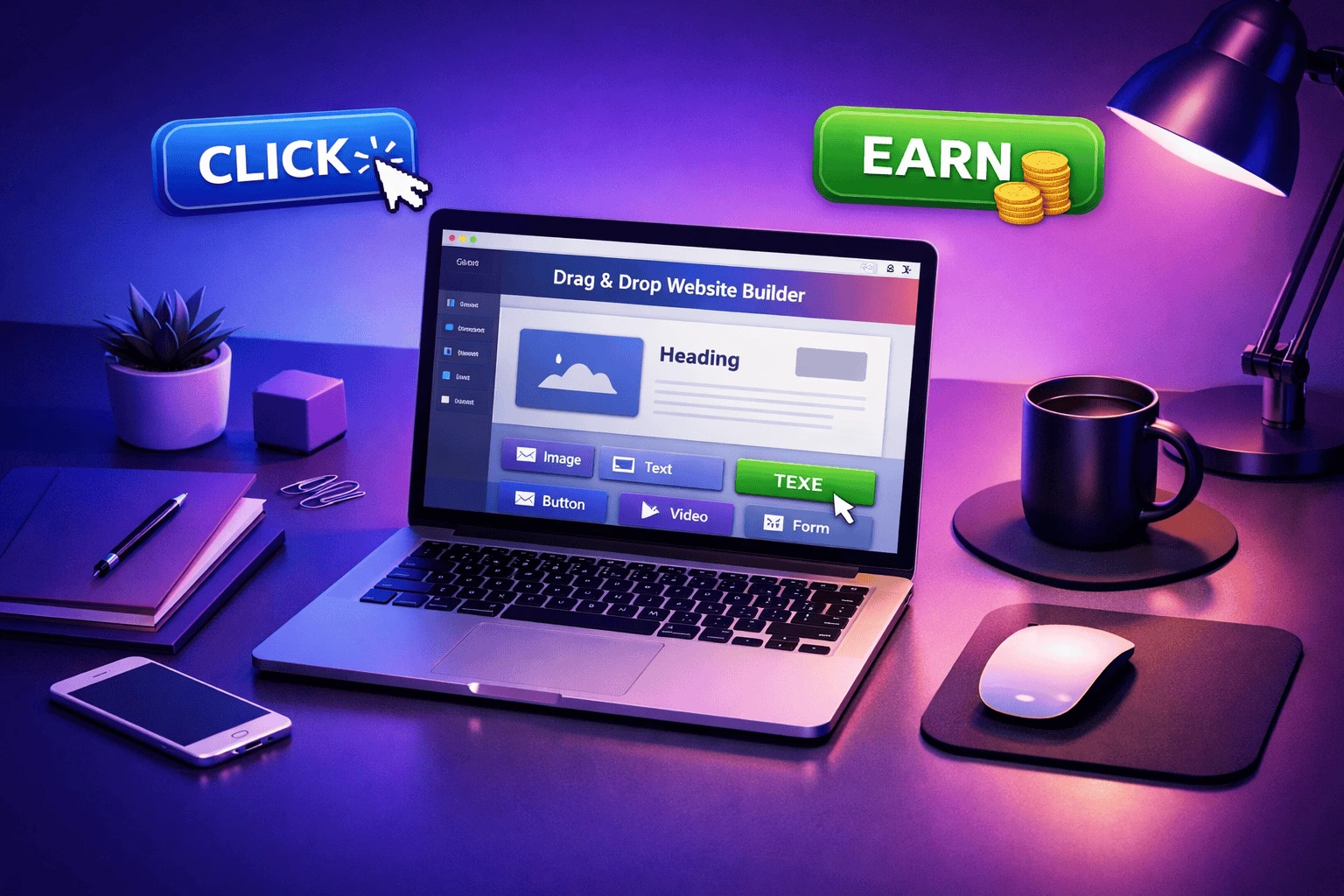
Not at all. Tools like Systeme.io use “Drag and Drop” editors. If you can move a mouse and type an email, you already have the skills needed for how to create a free landing page for affiliate marketing.
4. Why not just send people directly to the affiliate link?
If you send traffic directly to an affiliate link, you lose that customer forever. If you send them to a landing page first, you can capture their email and promote multiple products to them over time, which is much more profitable.